Manual Upload
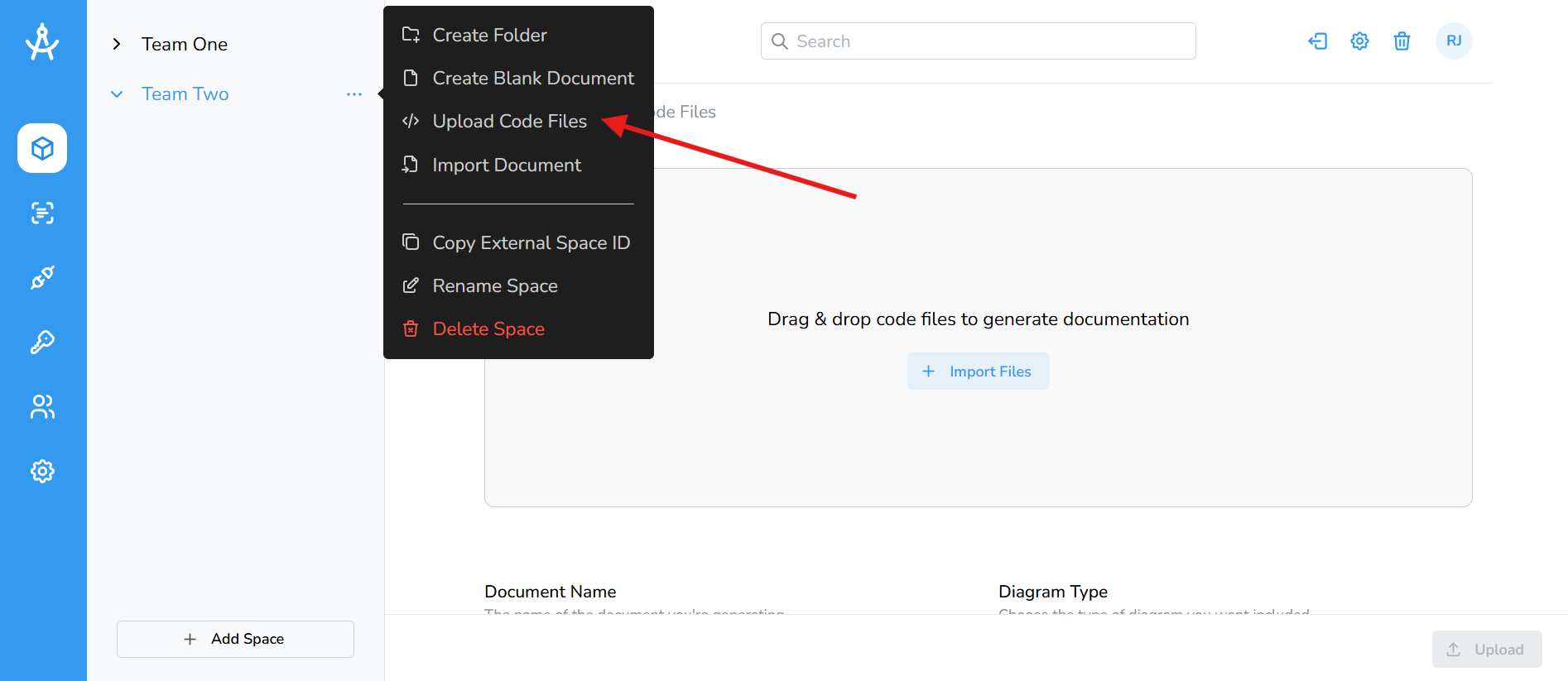
Cartographer provides the option to manually upload code from your desktop. Tagging is not required; simply select or drag and drop your files onto the page. A maximum of 30 files can be uploaded at a time.
- In the left-hand navigation menu, go to the Spaces section.
- Select the space you want to use.
- Click the ellipsis on the space or folder where you want the documentation to be generated.
- Click Import Files or drag and drop your files into the upload area.
- Enter a name for your document.
- Select the diagram type you’d like to generate.
- (Optional) Provide any additional context to improve the output.
- When ready, click the Upload button in the bottom-right corner to start generating your documentation.