Merge Requests
When a document is generated, it enters a review phase where you can inspect it before publishing. For existing documents, this phase highlights the proposed changes, giving you the option to accept or reject them. If you reject changes to an existing document, no updates will be applied. For newly created documents, rejecting the changes will move the document to the trash.
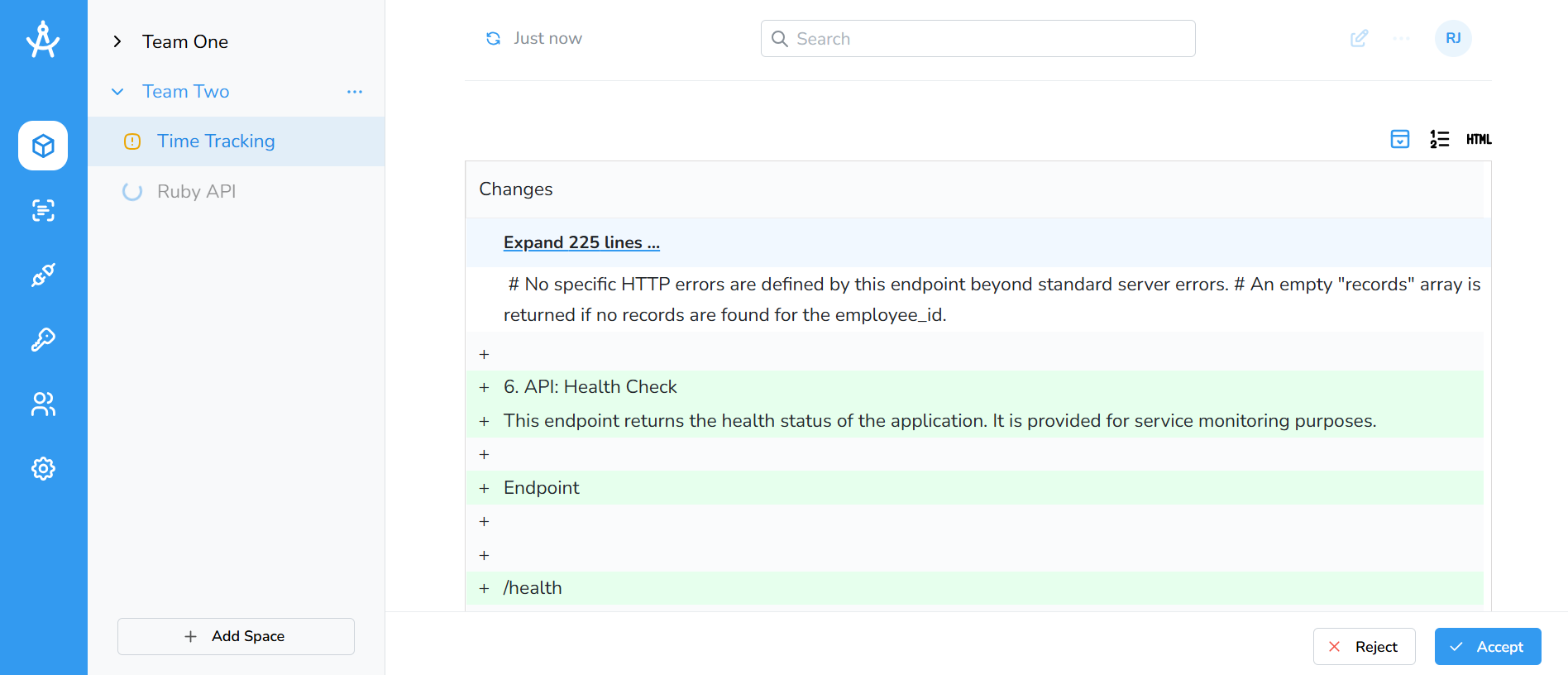
If you choose to accept, you’ll be taken to the document editor where you can make any final adjustments by clicking the Edit button.
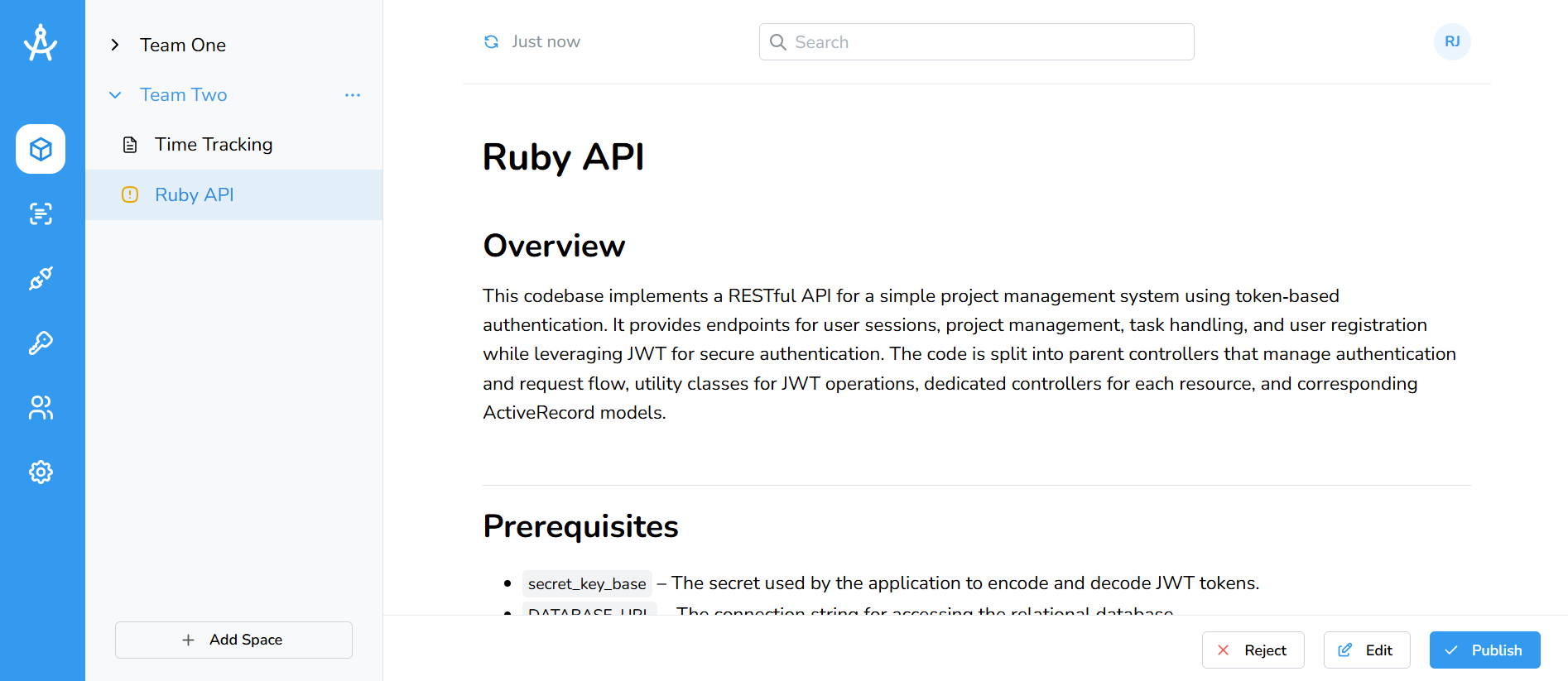
The image above shows the interface when generating a new document. The three buttons: Reject, Edit, and Publish function in the same way as previously described.